
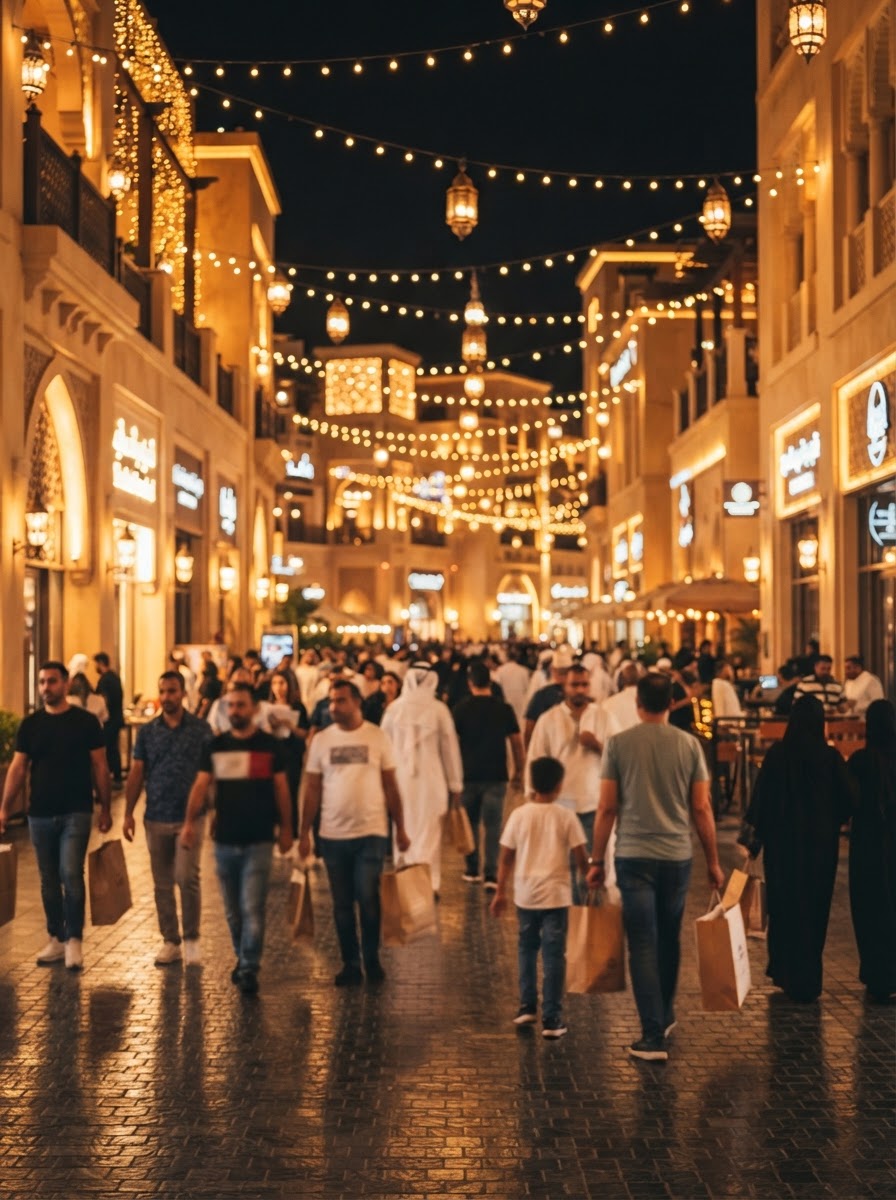
The Dubai Shopping Festival is one of the busiest shopping periods of the year in the UAE. The 32nd edition runs from 4 December 2026 to 17 January 2027, and it overlaps with UAE National Day weekend, Christmas and New Year.
That means more people searching, scrolling and buying, and more businesses competing for the same attention. The businesses that do well during DSF are rarely the ones with the biggest discount. They are the ones whose offer is clear, easy to find on Google and social media, and easy to act on in one tap.
This checklist covers what to do before, during and after the festival.
“A festival offer nobody can find is just a lower price. Plan where people will see it and how they will reply.”
Need help with this for your business? Talk to our Dubai team.
Before DSF starts: get ready by late November
1. Decide one clear offer
Pick one main offer that is easy to understand in a few words, for example a percentage off, a bundle or a free extra. Write the terms down: what is included, who it is for, and the start and end dates. One clear offer beats five confusing ones.
2. Check the rules for promotions
In Dubai, discount sales and promotions usually need a permit from the Department of Economy and Tourism (DET). Check with DET before you advertise a sale, so your campaign is not stopped halfway.
3. Build one offer page on your website
Send all your ads, posts and messages to one page that explains the offer, shows the terms and has a clear way to buy or enquire: a form, a call button and a WhatsApp button. Make sure it loads fast on mobile, because most festival traffic comes from phones.
4. Update your Google Business Profile
- Add an offer post with the dates and a link to your offer page.
- Set special opening hours for the festival weekends, National Day and New Year.
- Add fresh photos of your store, products or team.
For many local businesses, this is where the calls and direction requests come from.
5. Set up tracking before you spend
Make sure GA4 counts the actions that matter: purchases, form submissions, calls and WhatsApp clicks. Add UTM tags to every link you share, so you can see which channel brought each customer. If you run Google Ads, check that conversion tracking is working before the festival starts, not after.
6. Plan your content
Prepare posts, reels and stories in advance: the offer announcement, product or service highlights, behind the scenes, customer reviews and a last-chance reminder. Schedule them across the six weeks so you are not creating content in a rush.
During DSF: what to run
Google Ads
People search with buying intent during DSF. Run search campaigns for your main products or services with your offer in the ad text, and send them to your offer page. Watch the search terms report weekly and add negative keywords for searches that do not fit. If you use Performance Max, give it your best images, videos and offer text, and make sure the conversion goals are the actions you actually want.
Meta ads (Instagram and Facebook)
Short videos and reels work well during the festival. Show the offer in the first few seconds, keep the text on screen short, and use a clear call to action such as “Message us on WhatsApp” or “Shop now”. Retarget people who visited your website or engaged with your page.
Many UAE customers prefer to ask a question on WhatsApp before they buy. Pre-fill the WhatsApp message on your website so you know which offer they came from, and make sure someone replies quickly, including on weekends and in the evenings.
Your existing customers
Your past customers are the easiest people to sell to. Send them the offer by email or WhatsApp, but only to people who have agreed to receive messages from you.
“Most festival leads are lost in the reply, not the ad. Plan who answers WhatsApp and calls in the evenings and on weekends.”
Mid-festival check (around the New Year)
Take an hour around the halfway point to review:
- Which channel is bringing enquiries and sales: Google, Meta, Google Business Profile or WhatsApp?
- Which ads and posts get clicks but no enquiries? Pause or change them.
- Are people asking the same questions? Add the answers to your offer page.
- Is your budget running out early on the channel that works? Move budget there.
After DSF ends: keep the customers you won
- Thank new customers and ask happy ones for a Google review.
- Save the list of people who enquired but did not buy, and follow up after the festival.
- Compare the results with a normal month: enquiries, sales and cost per lead.
- Write down what worked, so next year’s plan starts from real numbers.
A simple DSF timeline
| When | What to do |
|---|---|
| Mid to late November | Decide the offer, check permit needs, build the offer page, set up tracking |
| Late November | Update Google Business Profile, prepare content and ads, brief the team who replies |
| 4 December | Launch ads, posts and the offer to existing customers |
| Around the New Year | Mid-festival check, move budget to what works |
| 17 January | Last-chance reminders, then end the offer on time |
| After DSF | Follow up, collect reviews, review the results |
Our take
DSF rewards businesses that prepare. A clear offer, one fast offer page, accurate tracking and a team ready to reply on WhatsApp will do more for your results than a bigger discount. Start early, keep the message simple and measure every enquiry, so you know what to repeat next year.
If you want help planning your DSF campaign, from Google Ads and Meta ads to your offer page and tracking, book a call. You can also see our digital marketing services.

Before any seasonal campaign, we check three things with the client: that the offer page loads fast on mobile, that every enquiry is tracked, and that someone is ready to reply on WhatsApp. Ads only work as well as what happens after the click.